Implementing Monitoring in Azure
Intro
In this post, I’ll walk through my experience with implementing monitoring in Azure using Azure Monitor, including creating alerts, configuring Action Groups, and querying logs to monitor Azure resources.
Lab Overview
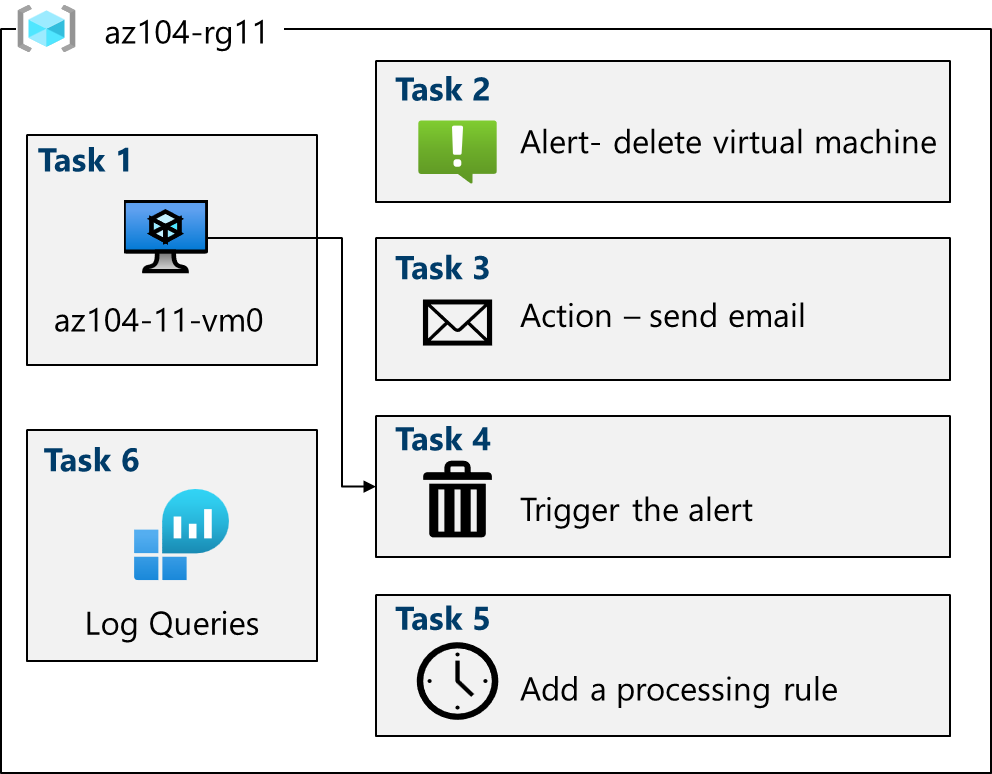
Task 1: Deploy infrastructure using a template
- Downloaded the provided json template file.
- Used the ‘Deploy a custom template’ feature to upload and provision the resources.
- Enabled Azure Monitor for VMs via Monitor > VM Insights > Configure Insights > Enable.
Task 2: Creating an alert
- Added a new alert and set the condition to trigger on the ‘Delete Virtual Machine’ signal.
Task 3: Configure Action Group Notifications
- Added a new Action Group to the alert, named ‘AlertOpsTeam’.
- Set the notification to email and specified my email address.
- Created the action group and the alert.
Task 4: Trigger an alert and confirm it works
- Deleted the VM via the Azure portal.
- Confirmed that I received the notification email.
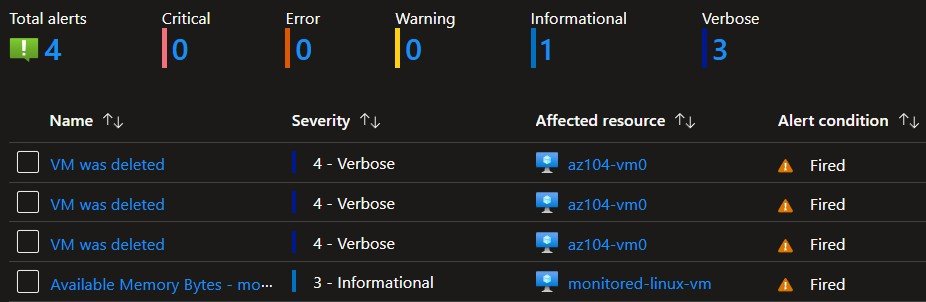
- Confirmed that the Azure Monitor Alerts page displayed the alerts.
Task 5: Configure an alert processing rule
- Created a new alert processing rule.
- Configured the rule to suppress notifications to the Action Group during an upcoming overnight maintenance period.
- Confirmed that the rule was created successfully and only applies during the specified date/time range.
Task 6: Use Azure Monitor log queries
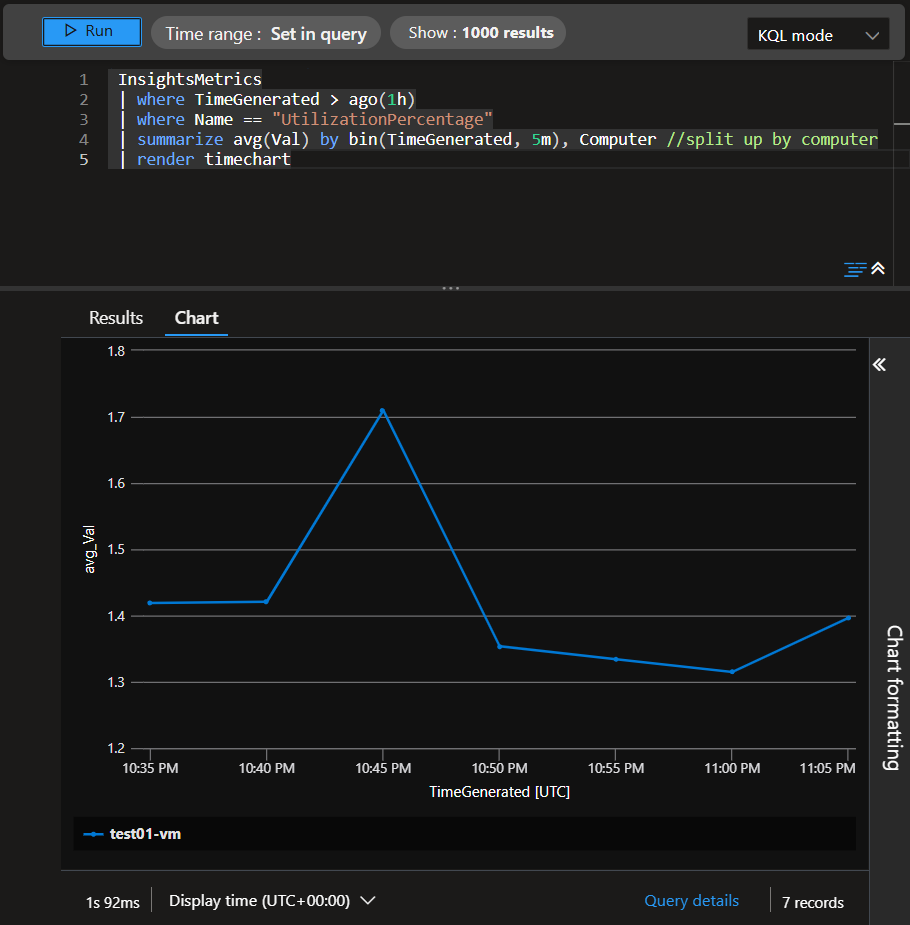
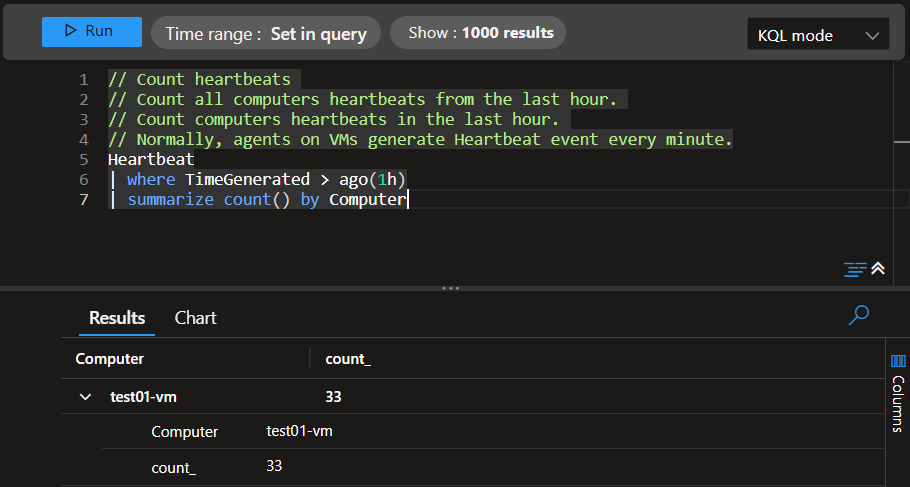
- Created a new query in Monitor > Logs using the Virtual Machine category in Queries Hub.
- Ran the query and confirmed it retured valid data.
- Modified the query and ran it, again verified it returned valid data.
Key Learnings
- Deploying infrastructure using templates
- Azure Monitor
- Creating alerts
- Configuring Action Groups
- Configuring alert processing rules
- Querying Azure Monitor logs
